
.NET Cockpit
A clear view of the .NET host on your PATH, right in your browser. Download the native app and start it without installing a .NET SDK or Node.js. Cockpit listens only on 127.0.0.1.
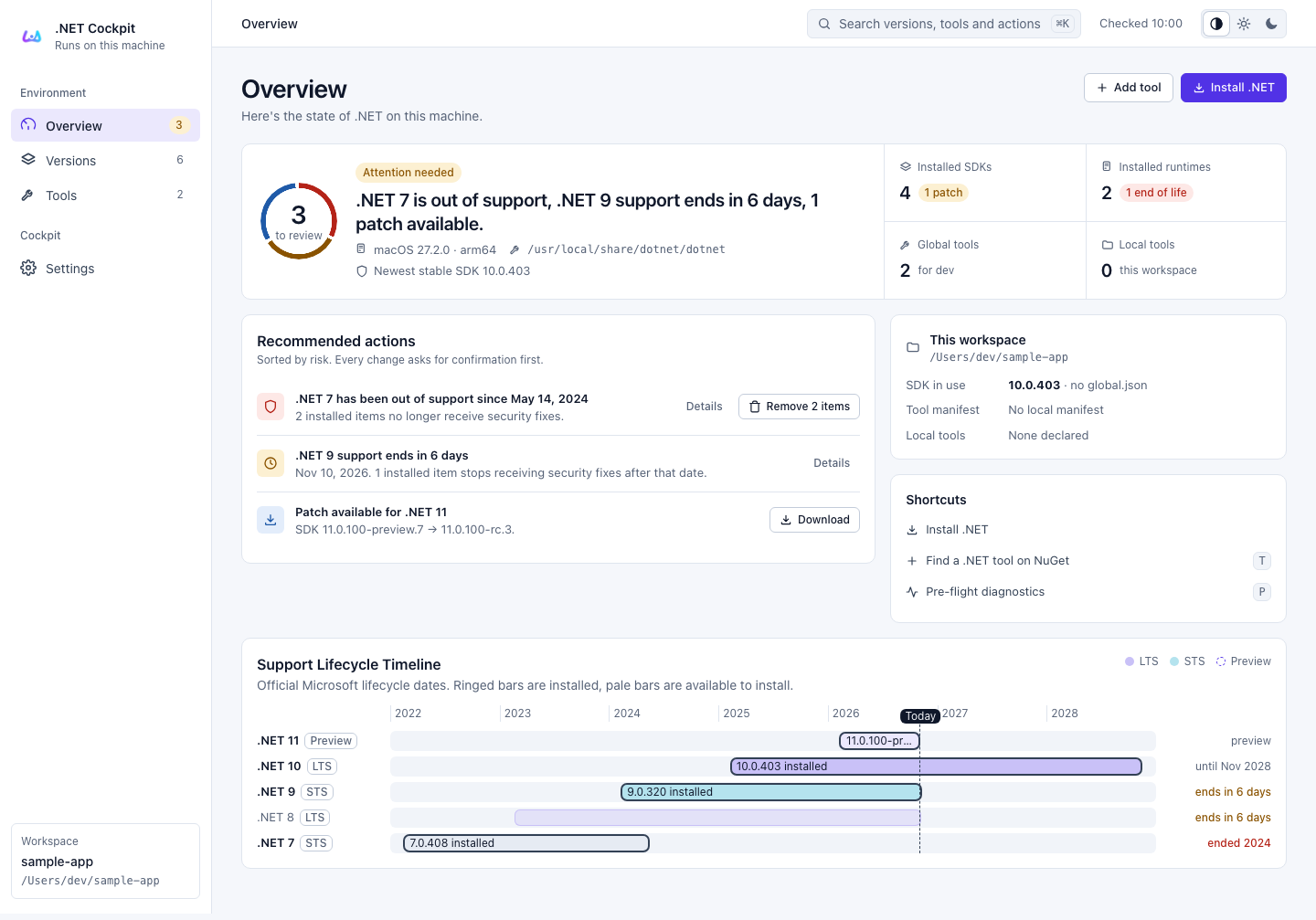
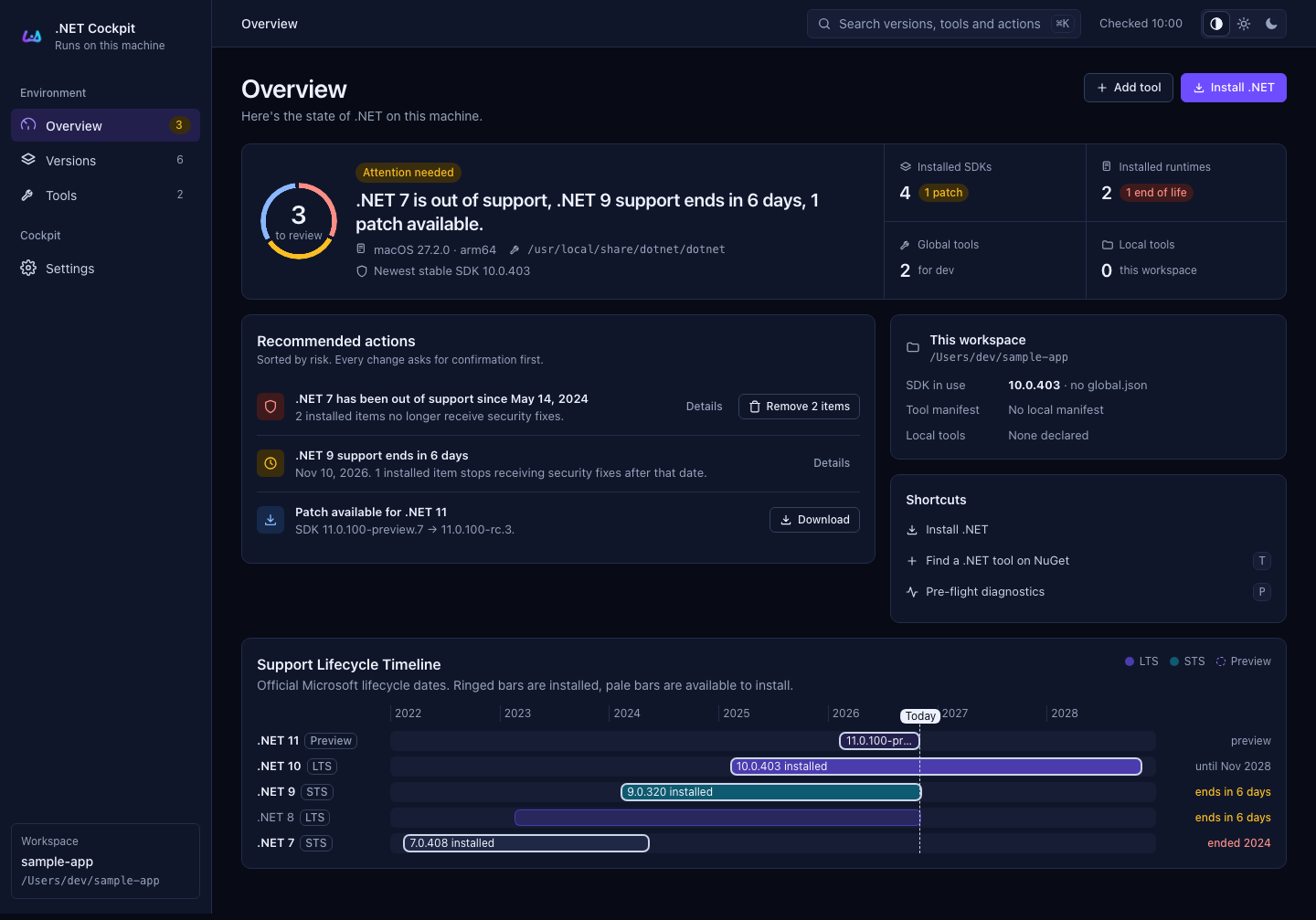
An example workspace. Screenshots use demonstration data; versions and support dates are illustrative. Images follow this documentation’s light or dark theme. Select an image to inspect it at full size.
Find what you need
| Your next step | Start here |
|---|---|
| Run Cockpit for the first time | Getting started |
| Check versions, support dates or available updates | Overview and Versions |
| Manage global tools or workspace declarations | Tools |
| Change appearance or enable removal support | Settings |
| Understand what Cockpit reads and changes | Privacy and safety |
| Build or publish the project | Release and deployment |
See clearly. Change deliberately.
- One environment: inventory reflects the
dotnethost Cockpit resolves, with version-specific installation paths. - Useful context: release metadata adds lifecycle dates, support status and available patches. When it is unavailable, support status stays unknown.
- You stay in control: changes require confirmation. Global tools and local declarations remain distinct, and an inherited parent manifest cannot be removed.
Searching, sorting and core actions also work with JavaScript disabled. Explore the workspace →