Release and deployment
This page is for maintainers. To run a published build, use Getting started.
Quality gate
Every push and pull request builds the browser assets, runs the unit tests, publishes Native AOT binaries for Linux x64, Windows x64, macOS Intel, and macOS Apple Silicon, and smoke-tests each binary. Linux additionally runs the browser tests. The optional .NET tool package is installed and smoke-tested in the same workflow.
Run the equivalent checks locally before preparing a release:
npm --prefix ui ci
npm --prefix ui run build
dotnet test DotnetCockpit.sln --configuration Release
dotnet publish src/DotnetCockpit -c Release -r osx-arm64 --self-contained true -p:PublishAot=true -warnaserror:IL2026,IL2104,IL3050,IL3053 -o artifacts/native
node scripts/smoke.mjs artifacts/native/dotnet-cockpit
npm --prefix ui run test:browser
npm --prefix ui run test:e2e
npm --prefix ui run test:visual
dotnet tool restore
dotnet mdu lint docs
Create a release
Use the Release workflow from main and supply a semantic version such as 0.1.0. The workflow rebuilds and verifies all artifacts, produces checksums, publishes the .nupkg to NuGet.org through GitHub OIDC Trusted Publishing, and creates the GitHub release with the native archives and package.
The project is distributed under the MIT License. The package declares the same SPDX license expression for NuGet.org.
The first release requires a NuGet.org trusted-publishing policy for:
| Field | Value |
|---|---|
| Repository owner | capjan |
| Repository | dotnet-cockpit |
| Workflow file | release.yml |
| Environment | Leave empty |
Also add the NUGET_USER GitHub Actions secret with the NuGet.org profile name, not an email address. The workflow exchanges its OIDC token for a short-lived API key; it does not store a NuGet API key in GitHub.
Publish the documentation
The documentation workflow lints the docs folder and renders a static MDU site to GitHub Pages after a successful push to main. Enable GitHub Pages → Source: GitHub Actions in the repository settings once before the first deployment. The generated site is an artifact of the workflow; the Markdown files remain the source of truth.
To preview the documentation locally:
dotnet mdu serve docs site --port 4173 --no-browserThen open http://127.0.0.1:4173.
Documentation screenshots
Use MDU 6.2.0 or later. The local tool manifest pins the version used by both previews and GitHub Pages.
Build the browser assets, then generate both appearances from the fixed page fixtures:
npm --prefix ui ci
npm --prefix ui run build
node scripts/docs-screenshots.mjs
The capture script renders demonstration inventory, replaces process-specific workspace paths, home paths, user names and timestamps, and blocks non-local browser requests. It does not connect to a running Cockpit instance or change installed tools. Keep port 5235 free for its temporary fixture server.
Review every image in docs/assets before publishing. Check workspace labels, paths, user names, package names and any open overlays for private information. Automated checks supplement this visual review.
Use identical alternative text for each theme pair:
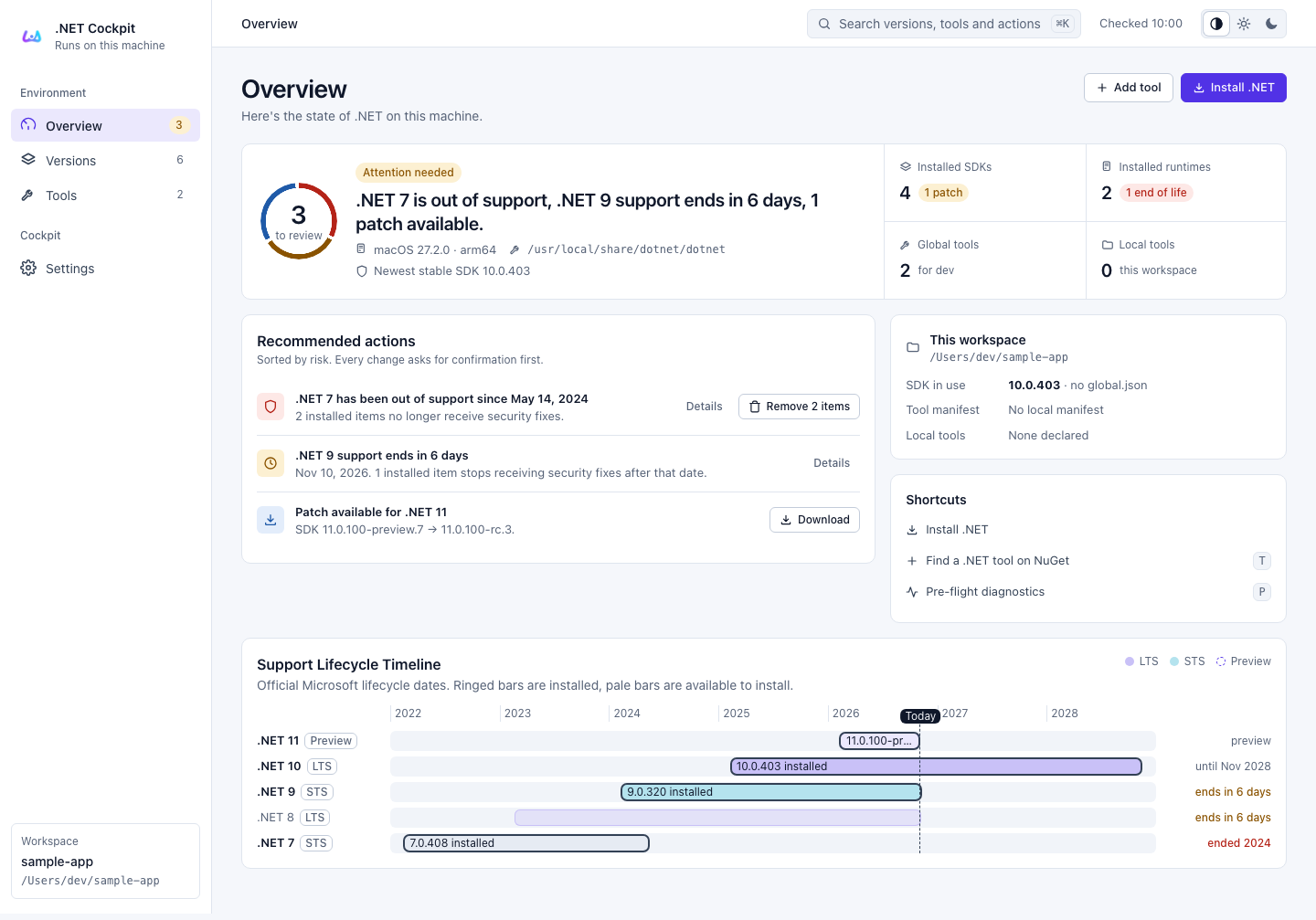
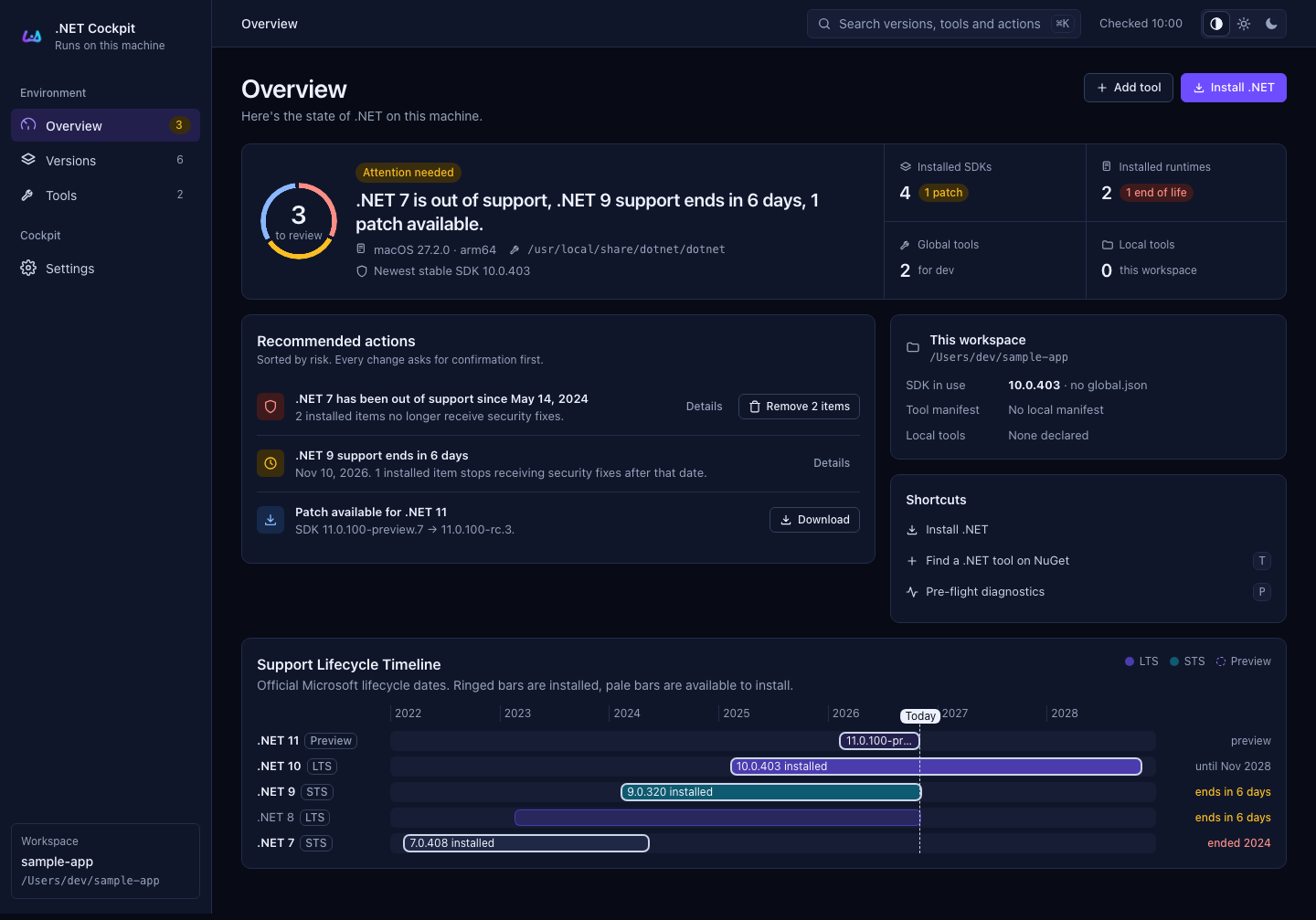The selected documentation theme determines which variant is visible; automatic mode follows system appearance. Preview both themes and a narrow viewport, check image zoom and internal links, then run dotnet mdu lint docs before pushing to main. Confirm that the Documentation workflow finishes successfully and check the published site.